Free CAD / MDTfor FiveM
Bring dispatch, live maps, bodycam, and in-game tools into your FiveM server. Start with free CAD and connect the official resource.
No dispatcher? Meet Dispatch AI.
Talk over Sonoran Radio to run plates, create calls, and update unit status in CAD.
Available on Radio's free tier; monthly AI usage limits apply.Built for FiveM
Real-time tools connect gameplay, dispatch, and records so your community can stay immersed.
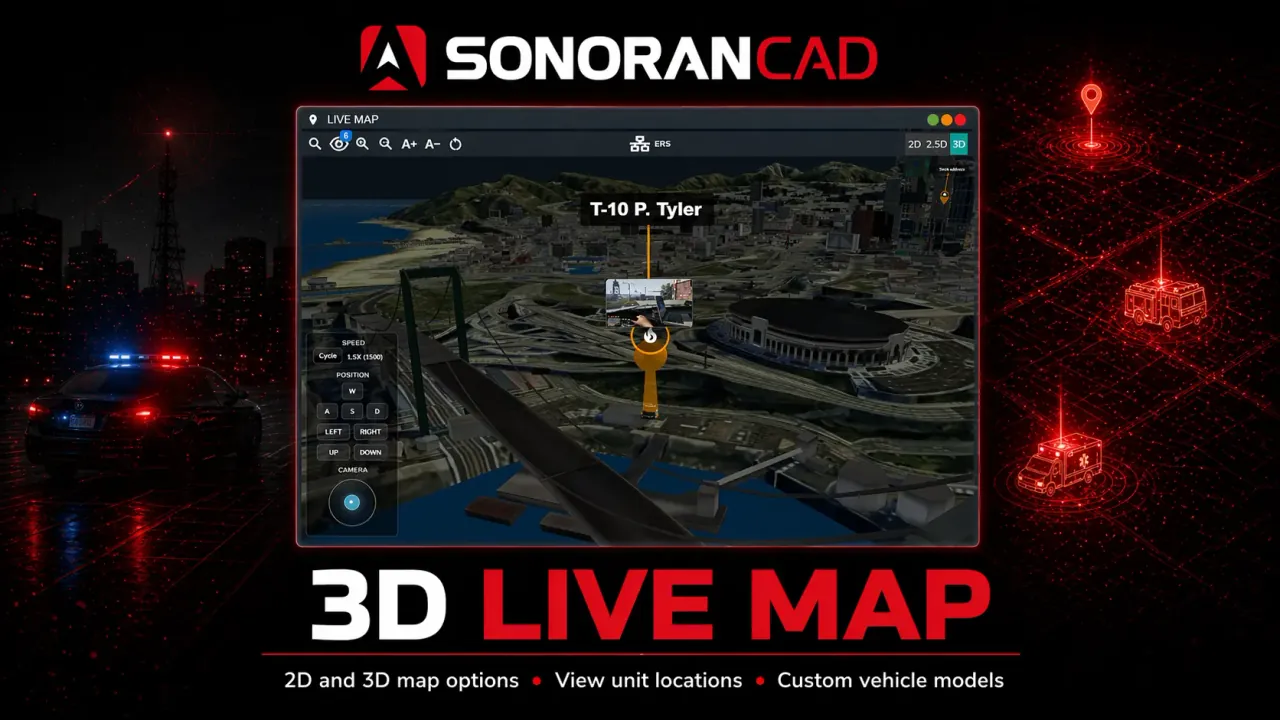
Live Map
Track units, monitor calls, and coordinate scenes with a live map built for active FiveM communities.
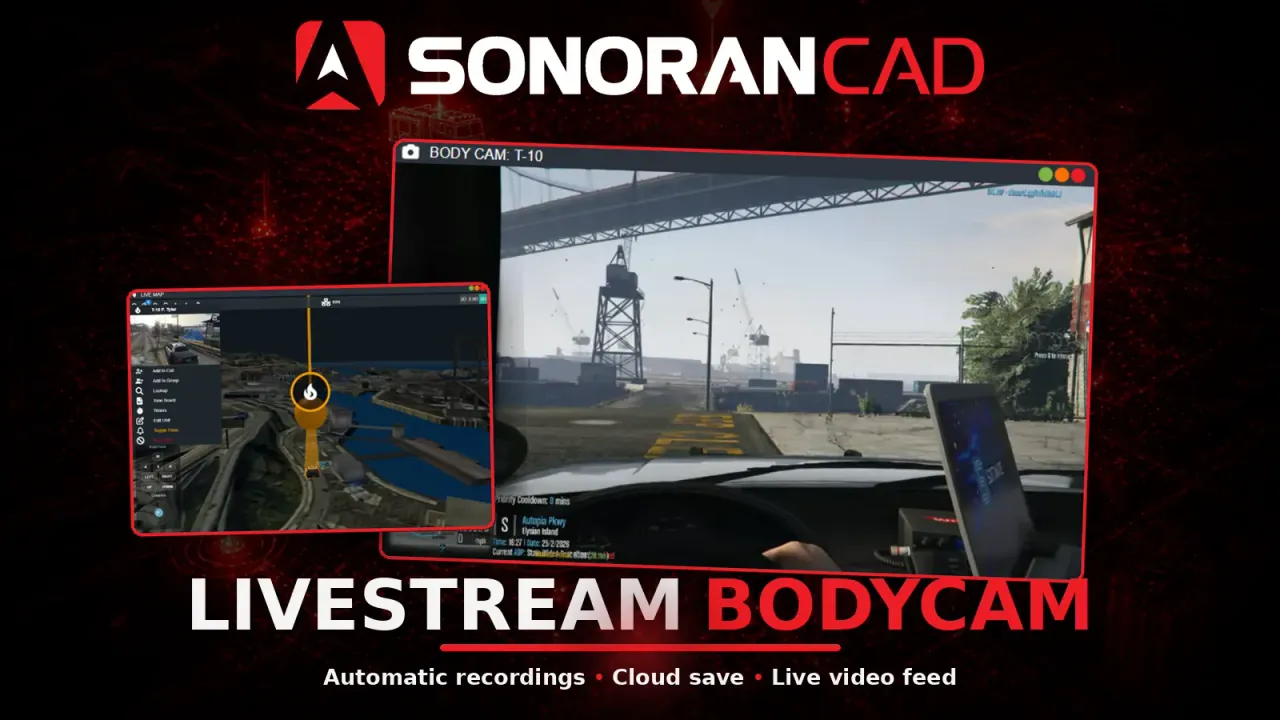
Live Bodycam
Review incidents with synced bodycam footage tied directly into your CAD workflows.
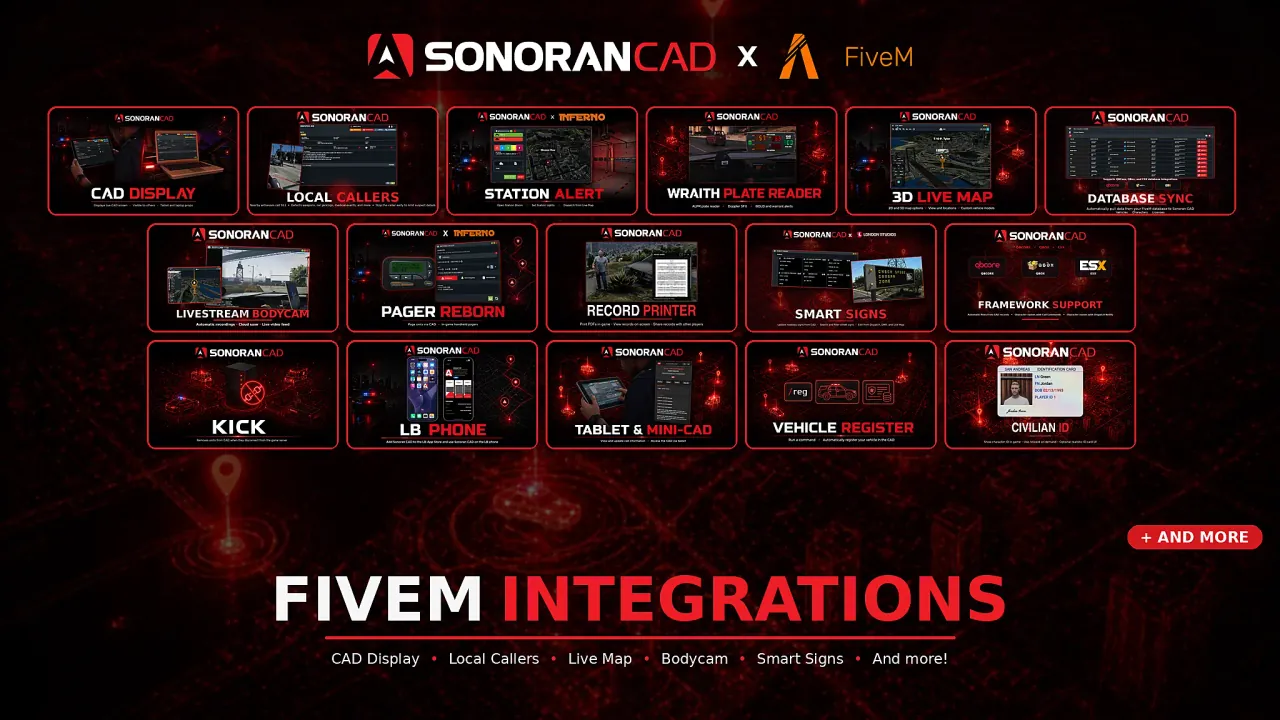
Plugin Ecosystem
Deploy purpose-built plugins for callers, signs, pagers, stations, and more without rebuilding your workflow.
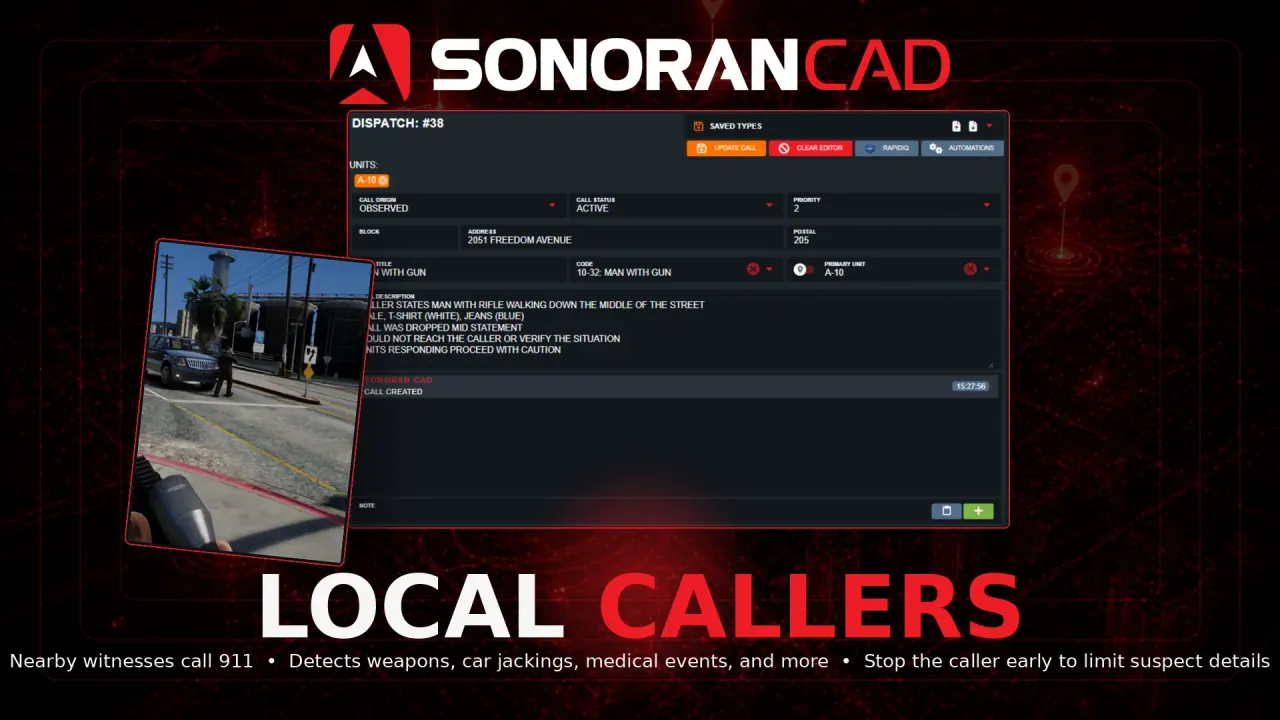
Local Callers
Create immersive NPC and player callouts that feed directly into dispatch with structured CAD data.
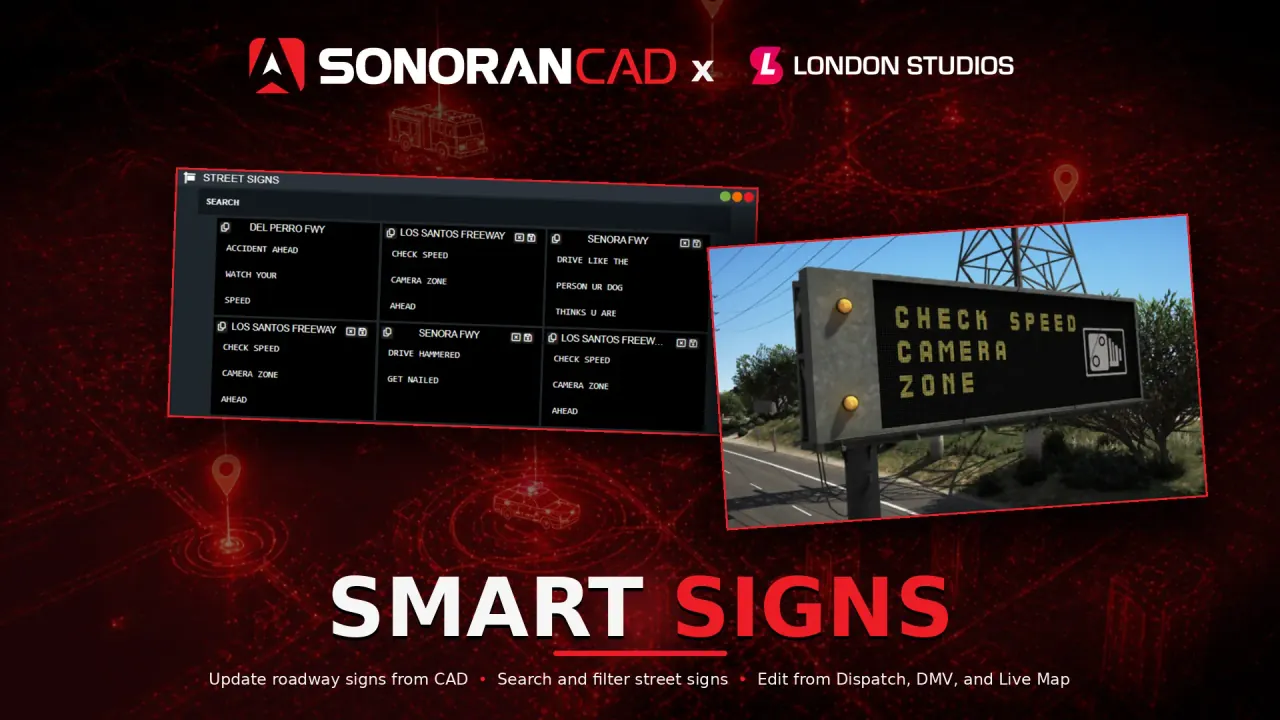
Street Signs
Manage dynamic street signs and roadway messaging from CAD-backed tools built for roleplay scenes.
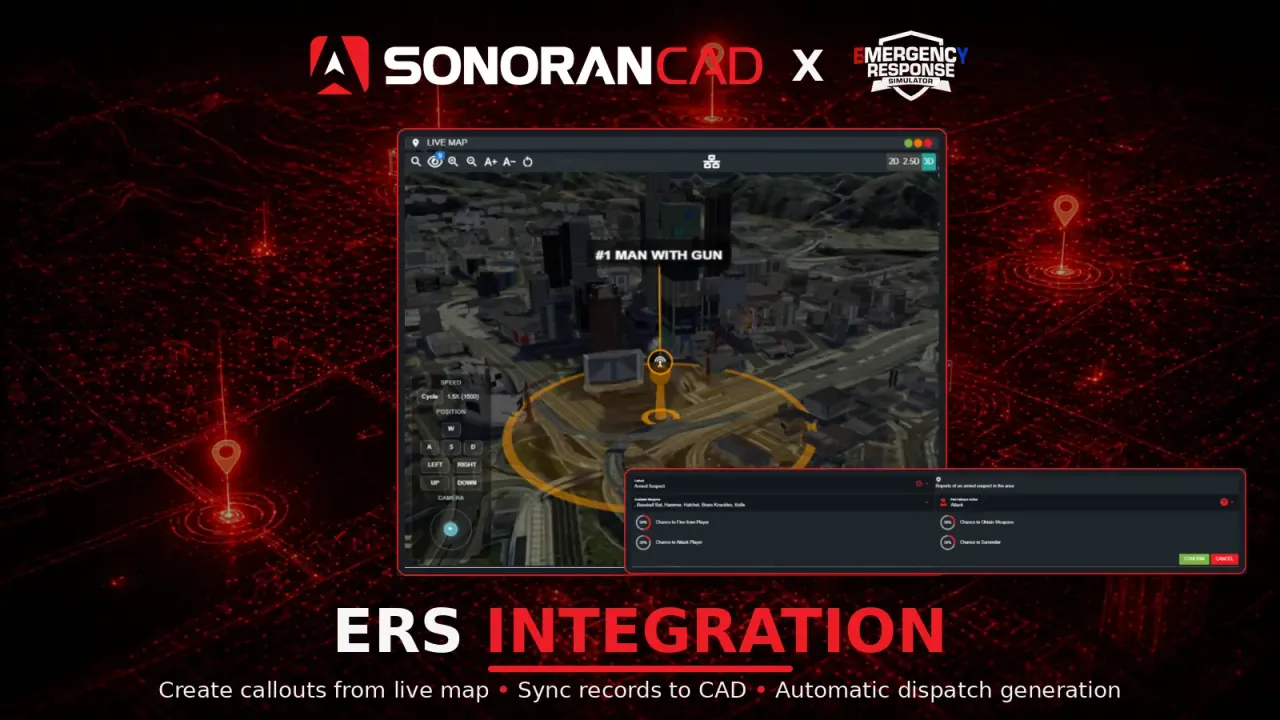
ERS Integration
Bridge radio workflows between your server and Sonoran CAD for faster coordination during active incidents.
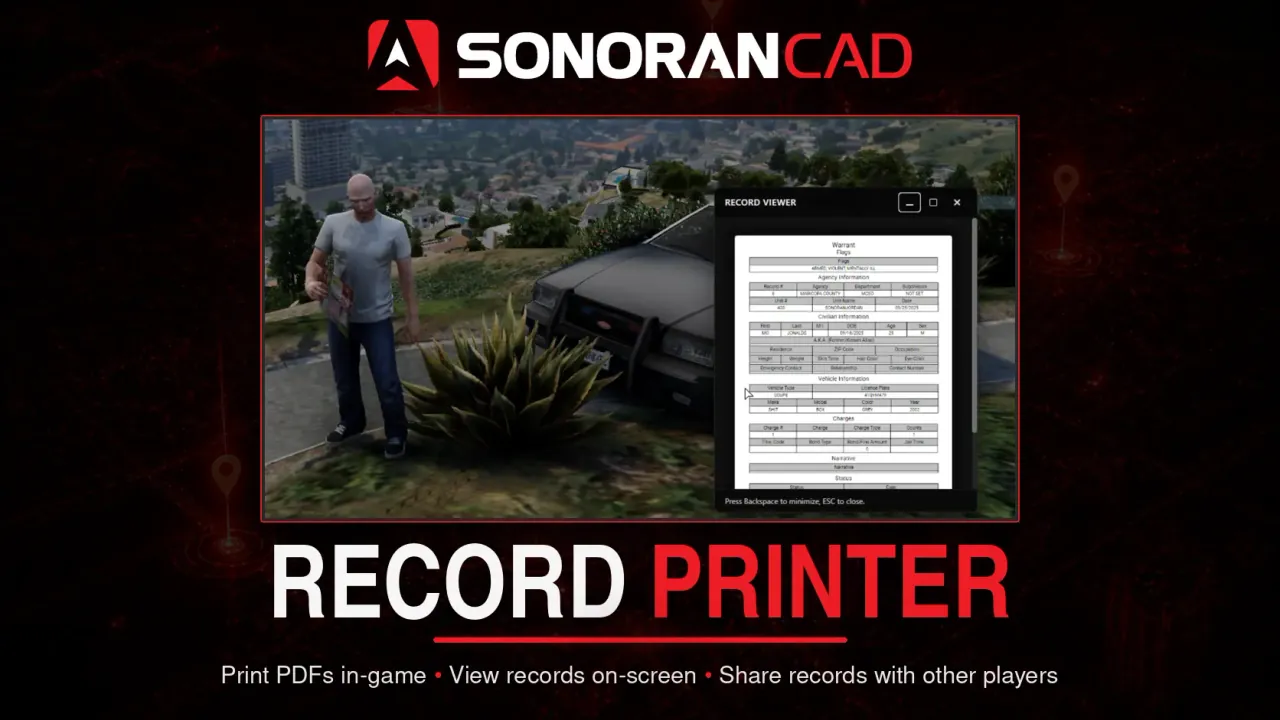
Printer
Print records and supporting information in game for departments that want tangible scene handoffs.
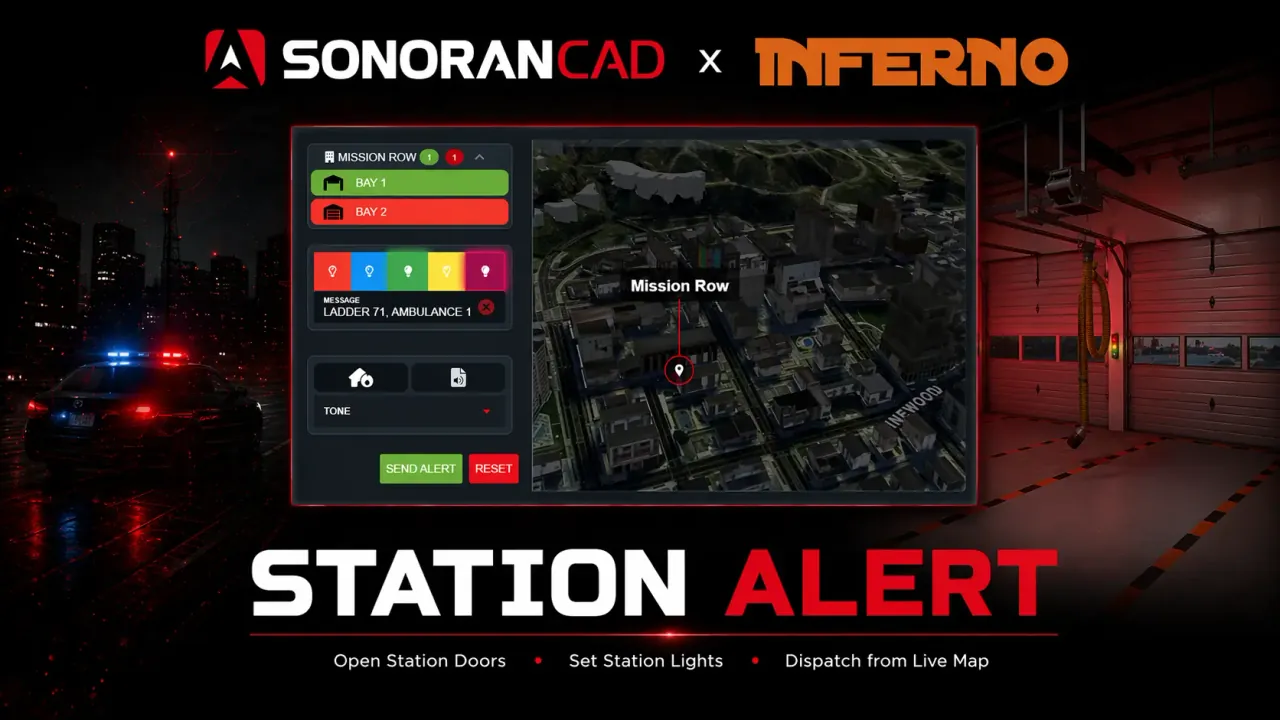
Station Alert
Free CAD integration; CAD Pro includes the paid Inferno Collection script.
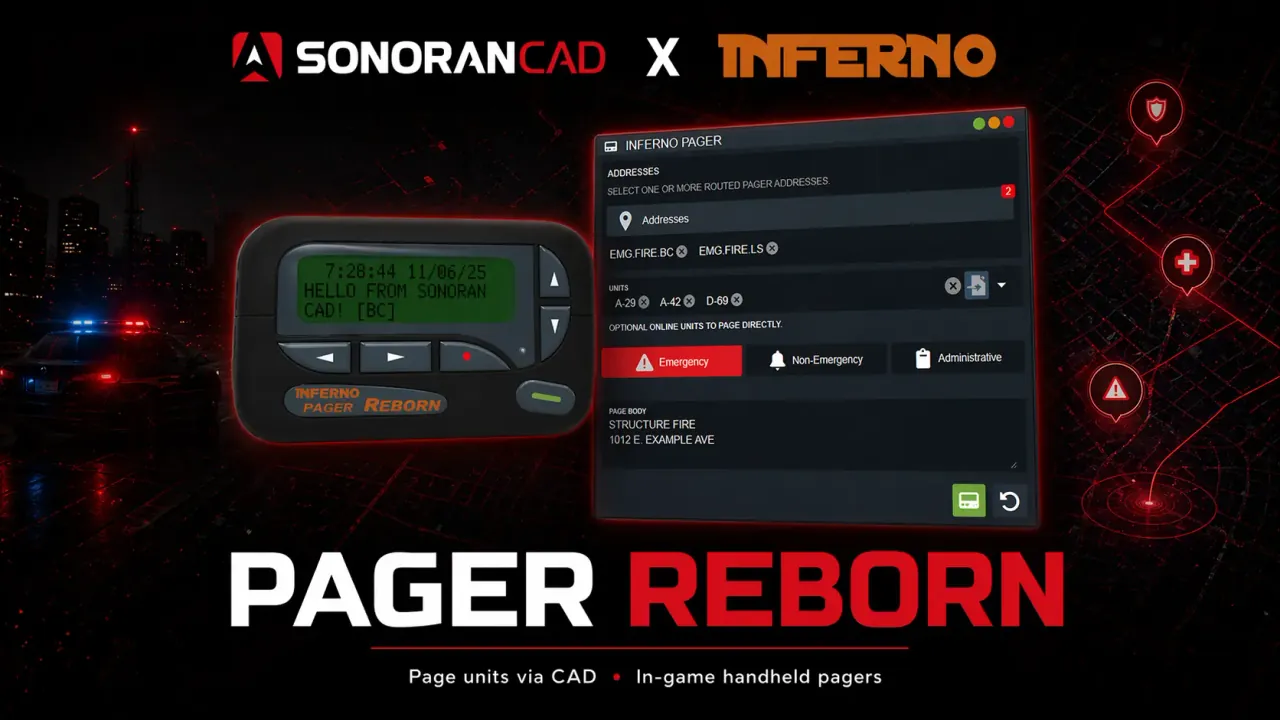
Pager Reborn
Free CAD integration; CAD Pro includes the paid Inferno Collection script.
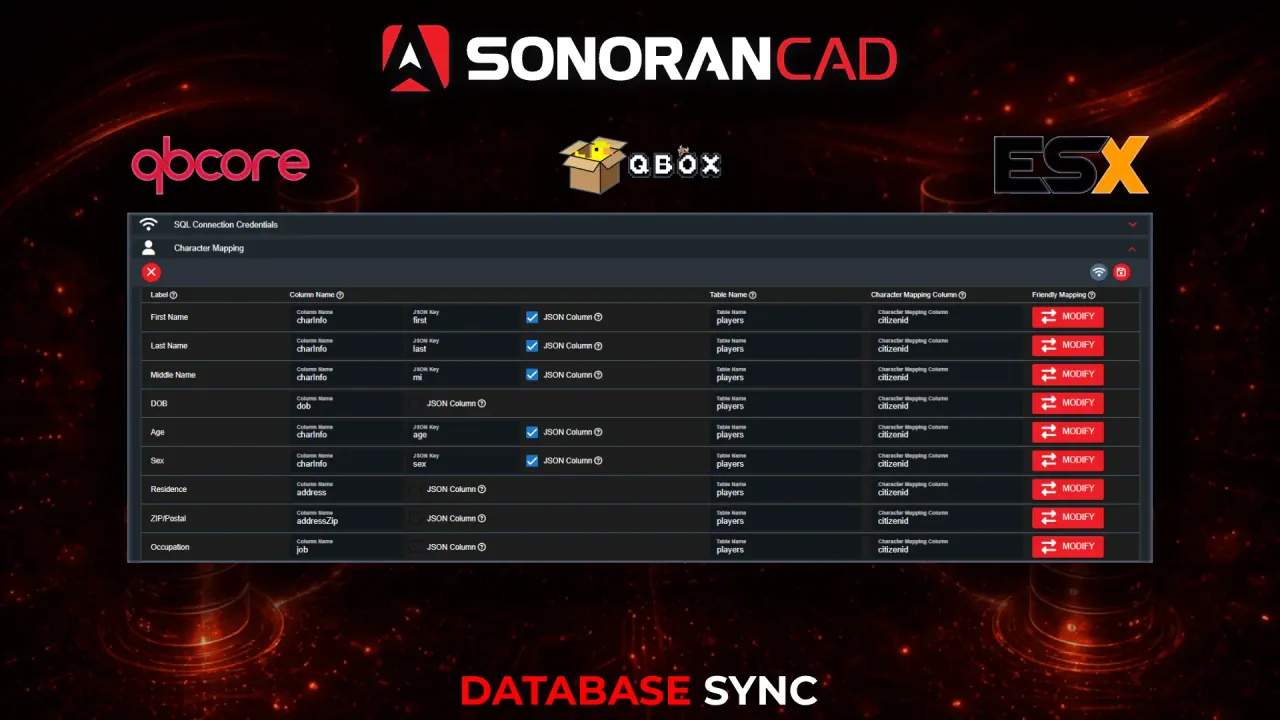
Database Sync
Auto-load characters, licenses, and vehicles from QBCore, QBox, or ESX.
Frequently Asked Questions
What is a CAD system in FiveM?add
CAD (computer-aided dispatch) helps dispatchers manage calls, units, and records for a roleplay server. Sonoran CAD connects that work to FiveM; responders can open their CAD on the in-game tablet or use Mini-CAD to view and attach to calls.
Is Sonoran CAD's FiveM CAD/MDT free to use?add
Yes. Sonoran CAD's core FiveM integration works on the free plan. The in-game tablet gives responders an MDT-style view of their full CAD, while Mini-CAD is a smaller overlay for viewing and attaching to calls. Some third-party scripts and Database Sync are paid separately; CAD Pro includes Station Alert and Pager Reborn at no extra cost.
How long does it take to set up the integration?add
Most servers can get the base resource configured in a few minutes. Install the resource, add your community ID and API key, restart the server, and then enable the features you want.
What features are included with the FiveM integration?add
The free FiveM integration includes live map support, bodycam tools, and official plugins. Database Sync is an optional paid add-on for QBCore, QBox, and ESX servers.
Is this suitable for small or growing communities?add
Yes. The free tier works well for smaller communities, and Sonoran CAD can scale with larger departments as your server adds more users, features, and operational complexity.